How to compare clothing styles and colours with AI try-on
 OutfitChange Studio
A practical way to compare six silhouettes and ten colours without confusing cut, fabric and colour decisions.
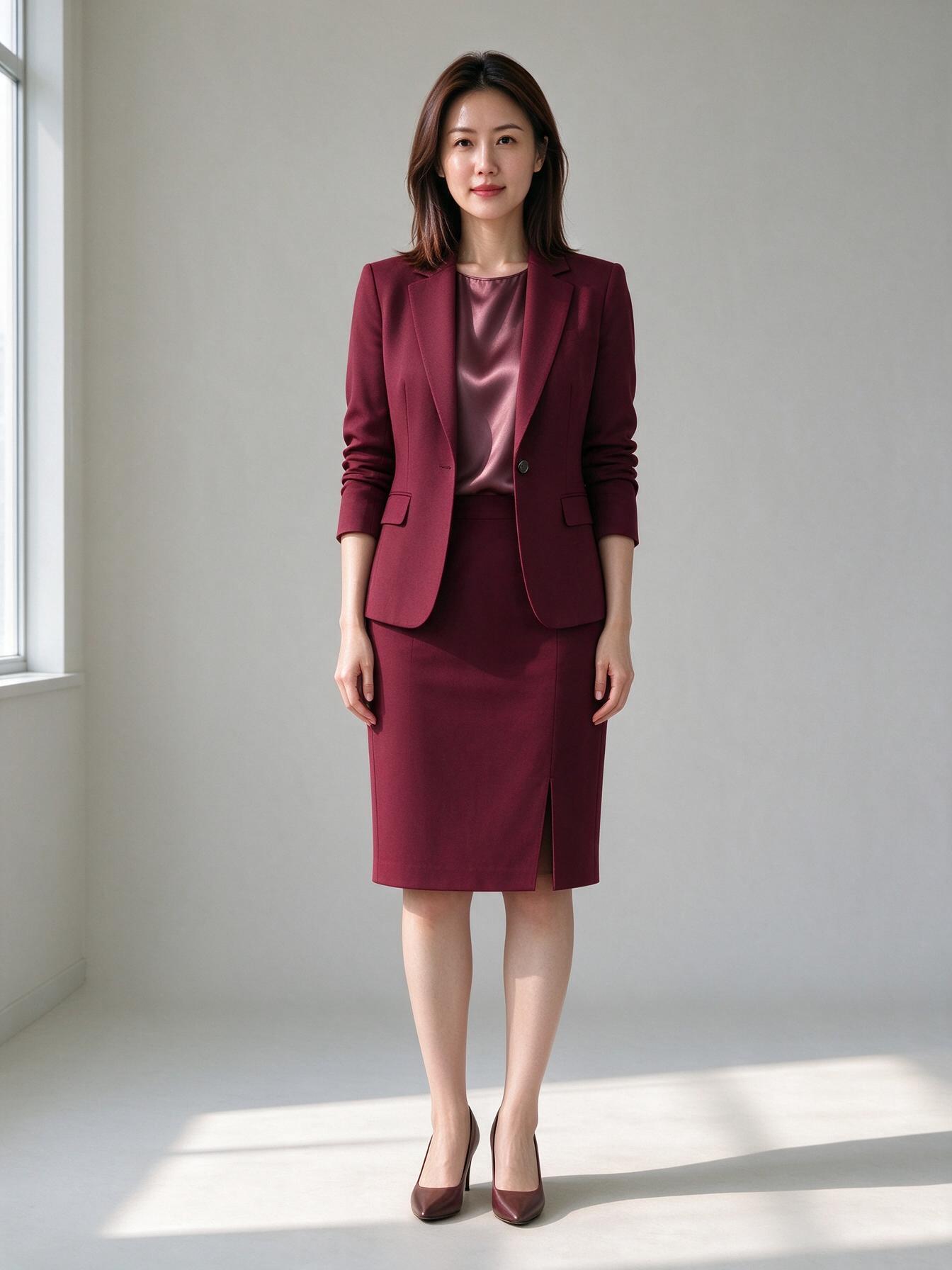
Choosing a colour before choosing a silhouette creates noisy comparisons. A fitted trouser suit and a belted blazer dress do not react to colour in the same way, even when both are navy.
Compare the cut first
Keep the model, pose, camera and lighting fixed. Compare six cuts in one neutral colour, then shortlist two. Useful differences include:
- straight, flare or pocketed yoga leggings;
- balconette, wireless, longline or high-neck lined lingerie;
- skirt, trouser, waistcoat, dress or double-breasted work uniforms;
- bandeau, halter, triangle, square-neck or one-shoulder bikinis;
- 15, 30, 40 or 80-denier daywear tights.
Our category studios now show six original, brand-free silhouettes for each core category. Start with OL outfits, yoga pants, flight attendant uniforms, lingerie, stockings or bikinis.
Compare colour second
Once the cut is fixed, switch only the colour. Ten swatches are enough to cover four useful families: neutrals, workwear classics, muted pastels and jewel tones. Do not compare a black trouser suit against a lilac dress and call the difference a colour preference—the construction changed too.
Check more than the front
A front view shows neckline, rise and overall proportion. A three-quarter view reveals volume. A side view exposes waistband and drape. A back view checks seams and coverage. Use the four-angle mode before moving to a true 3D garment mesh.
The goal is not to copy a branded product photo. It is to understand the cut, colour and proportion well enough to make a better shortlist.