Four-angle outfit previews: what each view tells you
 OutfitChange Studio
Front, three-quarter, side and back views answer different fit questions. Here is how to read a consistent four-view AI set.
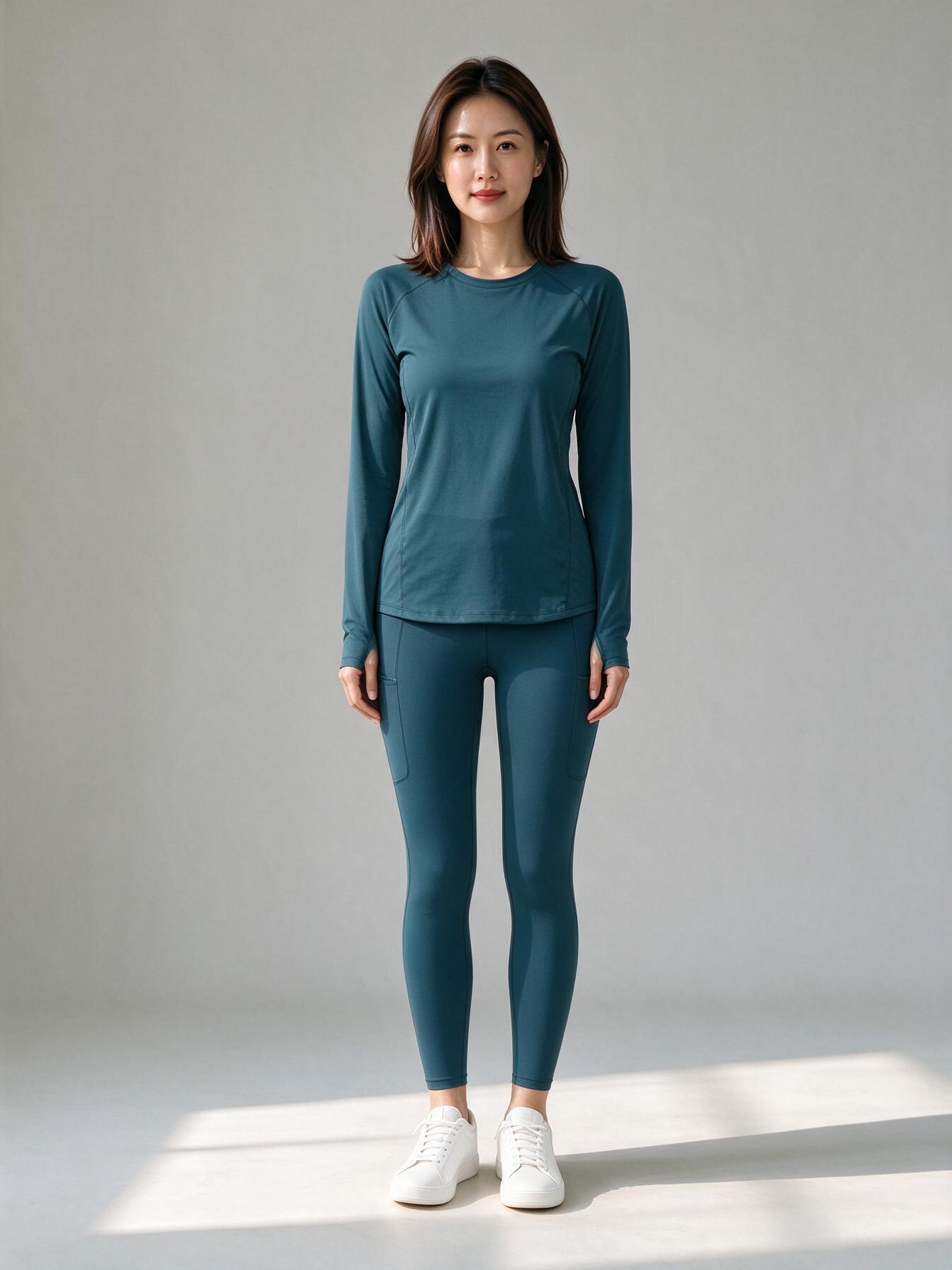
A four-angle preview is not a 3D model. It is a consistent image set designed to answer four different clothing questions.
Front view
Use the front for neckline, shoulder width, waist placement, trouser rise and hem length. It is the best view for comparing two cuts.
Three-quarter view
This view shows jacket volume, skirt flare, cup construction and how a garment separates from the body. It is often more useful than a dramatic fashion pose.
Side view
Check waistband height, front-to-back balance, trouser break and whether a jacket hangs cleanly. Side views are especially useful for yoga pants and structured workwear.
Back view
Look for seam placement, waistband height, pocket position, jacket vents and coverage. A back three-quarter view keeps enough identity context while showing construction.
The style studios generate these four views with one person, one garment, one colour and one lighting setup. That consistency matters more than making each frame look different.
If you need a file that can rotate freely in a viewer or 3D tool, use the member-only 3D clothing generator instead.